
Dashboard
Activity
A project's Activity page says what happened in it, newest first: pushes TolkBot read, jobs it ran, pull requests it opened and what came of them.
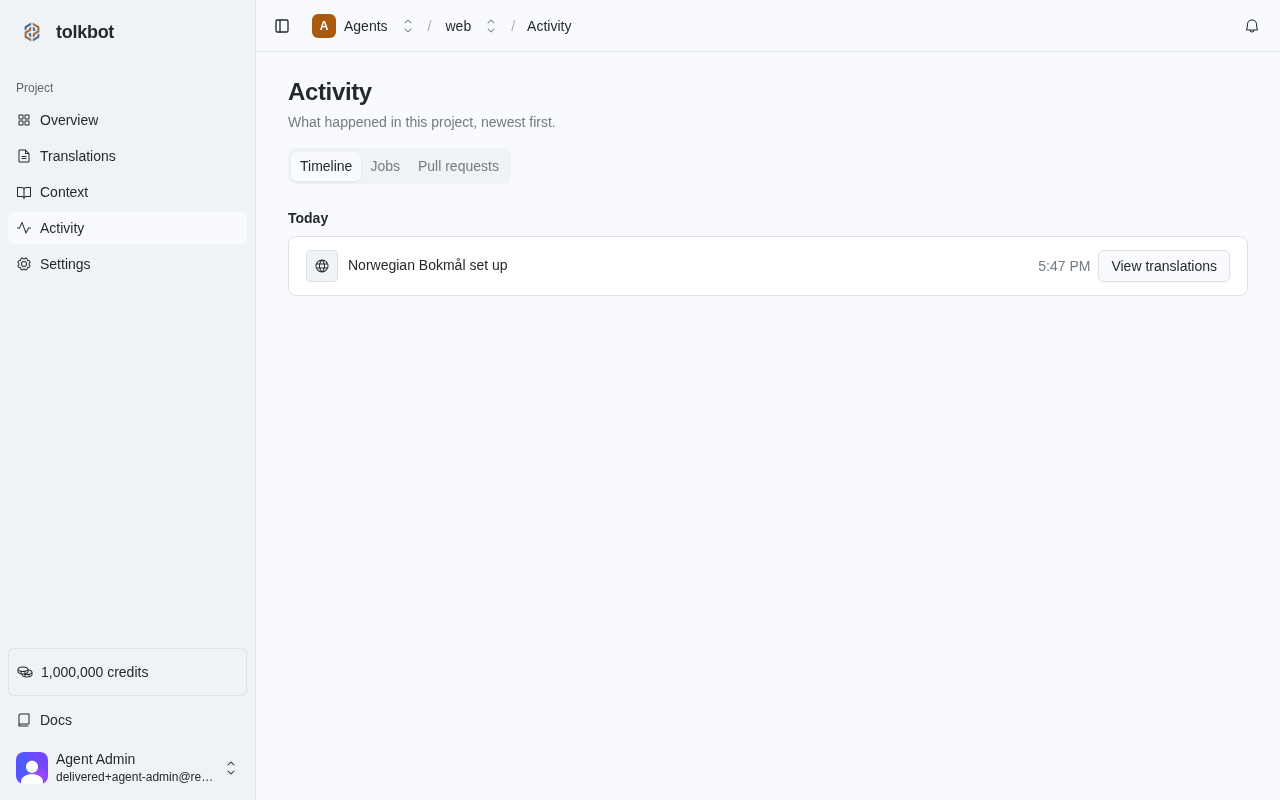
Timeline
The Timeline tab is a list of events grouped by day. Each says what happened in a line, with a button to where it happened. The icon's colour says how it went: blue for a job still running, red for a failure, amber for something that needs you, green for a merged pull request.
| Event | What it says | Button |
|---|---|---|
| A push | Which branch, how many keys it changed, which languages TolkBot checked, and why a language got nothing | View commit |
| A push TolkBot didn't act on | That it changed your translation files and why nothing was translated: automatic pull requests off, the pusher ignored, or no language set up | Workflow settings |
| A translation job | Running, finished, finished with some keys failed, failed or cancelled, with how many keys came from memory and how many from the model, and the credits used | View job |
| The review pass | How many fixes it applied and how many keys it flagged for you | View job |
| A pull request | Opened, updated, edited from the dashboard, merged or closed | View on GitHub |
| A failed pull request update | That the update didn't go through, and what to do | Translate missing keys |
| Translations removed | That a push removed keys, and their translations went with them | View on GitHub |
| A language set up | Which language | View translations |
| A reviewer's comment | That a comment on a pull request became a learning | View learnings |
Some events have Show technical details, with what TolkBot recorded about them: the commit of a push, or the error behind a failed job or pull request update. A push that translated nothing in a language says why under it, for example Nothing new to translate in German. See Troubleshooting.
Jobs
The Jobs tab lists the project's last 50 translation jobs: their status, what started them, how many keys they changed in which language, how long they took and the credits they used (Cost). A second badge says whether a job Needs you or is All clear.
| Status | Meaning |
|---|---|
pending | Waiting to start |
running | Translating |
succeeded | Every key was translated |
partial | Some keys were translated and some failed |
failed | Nothing was translated |
cancelled | Someone cancelled it |
A job's menu has View Details, View Failed Keys and Cancel Job.
A job's page
A job's page says who or what started it, and its details: the languages, how many keys, Credits used, and the repository, branch and commit it read. Cancel job stops it while it is pending or running.
The Keys tab lists every key with its translation and what the checks found: the flags it got, whether it went to the stronger model, and whether the review pass corrected it. A Checks summary above it counts the same for the whole job. Open a key to see what the model was told, or to choose Add Learning. The Activity tab is the job's own timeline.
Pull requests
The Pull requests tab lists each language's translation pull requests, with their status (Open, Merged, Closed, Failed or Pending), branch, how many keys they carry and when they were last updated. A pull request whose latest update failed says Last update failed. Filter by status at the top.
The organization's Activity page
The organization's Activity page has Jobs and Pull requests across all of its projects, with the project in each row. It has no timeline.